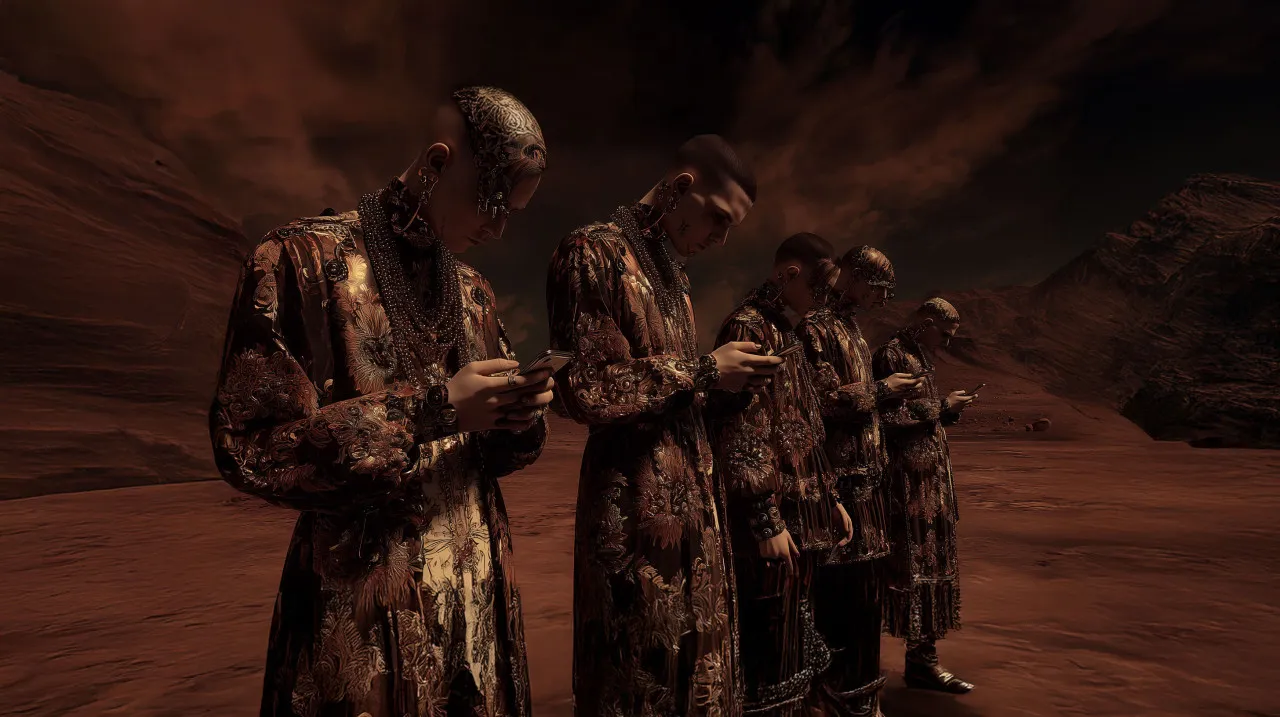
bumper
A non-skippable ad of up to 6 seconds, priced per thousand impressions.
One sentence, one image, one brand. Good as a reminder, alongside the longer film.
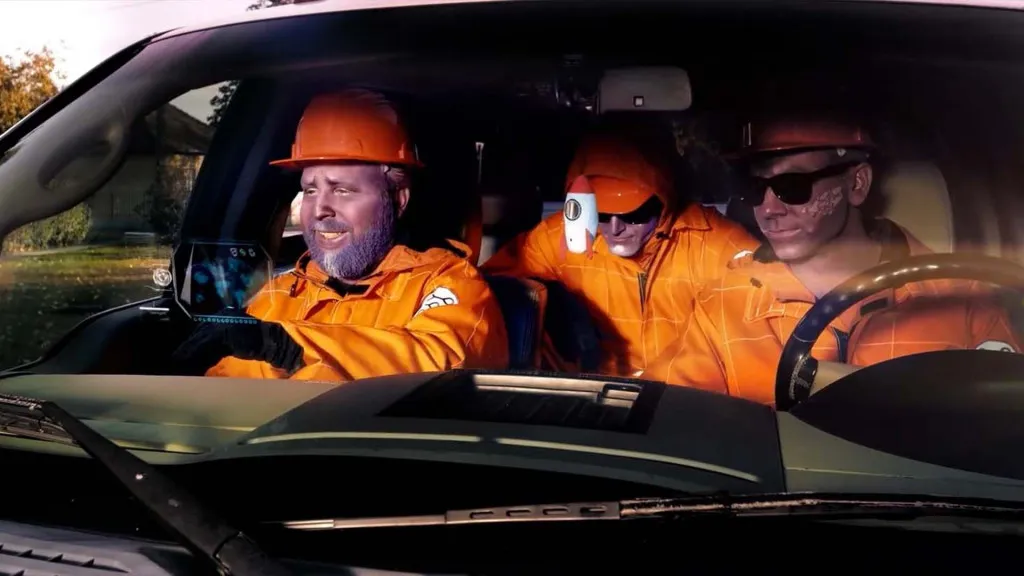
You have five seconds before the skip button appears. That is what we write the film for: bumper, in-stream and Shorts from a single shoot.
The first 5 seconds
the skip button appears here
With a skippable ad, the viewer decides after 5 seconds. That is why we write the script backwards: the brand, the problem and the promise go into the first five seconds, not at the end of the film. The first frame is already moving, the first sentence is already about the viewer, and the logo or the product is visible by the fifth second at the latest.
Whoever stays past second 5 gets the proof and the details, and at the end the call to action, which the CTA button repeats. This way, those who skip still take something with them, and those who watch to the end make a good decision too.
Four cuts from one day
One shooting day yields four cuts: a 6-second bumper, a 15-second non-skippable or skippable, a 30-second or longer skippable, and a vertical 9:16 Shorts version. Each is written for its own placement, with its own opening and captions, not the trimmed beginning of the long version.
We assign the shots to the cuts before the shoot and compose the image so it also works in the 9:16 crop. The TV-screen version is delivered as a landscape 16:9 image, because that is what fills the TV.
The Google Ads help centre lists six video ad formats. In a campaign, usually two or three of them work together.
A non-skippable ad of up to 6 seconds, priced per thousand impressions.
One sentence, one image, one brand. Good as a reminder, alongside the longer film.
An in-stream ad that can be skipped after 5 seconds. You pay when the viewer watches 30 seconds or the full shorter ad, or clicks on it.
This explains it: the brand and the promise go into the first five seconds.
An ad between 15 and 60 seconds, depending on the campaign subtype, that the viewer cannot skip. Priced per thousand impressions.
The right choice when the full message has to be heard.
Appears with a thumbnail and text among YouTube search results, next to related videos and on the home page.
You pay when someone clicks on the video. In a views campaign, also when it is watched for at least 10 seconds on autoplay.
A vertical 9:16 ad between Shorts videos, which the viewer can skip by scrolling on.
It brings in new viewers, and we cut it from the same shoot, with its own opening and captions.
Runs at the top of the YouTube home page, by reservation only, through Google's sales team.
For big reach, a key day or a campaign peak.
In a YouTube in-stream ad at 16:9, 1920 × 1080 pixels, the corners are covered by YouTube's own interface. That is why the key message and the logo go in the centre of the frame, inside the 1728 × 972 pixel graphic area.
| Area | What covers it | What we put there |
|---|---|---|
| Bottom right corner | skip button, after 5 seconds | nothing |
| Bottom left corner | ad label, time, link, CTA button | nothing |
| Top left corner | advertiser name, channel image, info | nothing |
| Bottom edge | progress bar | nothing |
| Centre 1728 × 972 px | free | brand, key message, caption, logo |
Where text and logo can go
 16:9
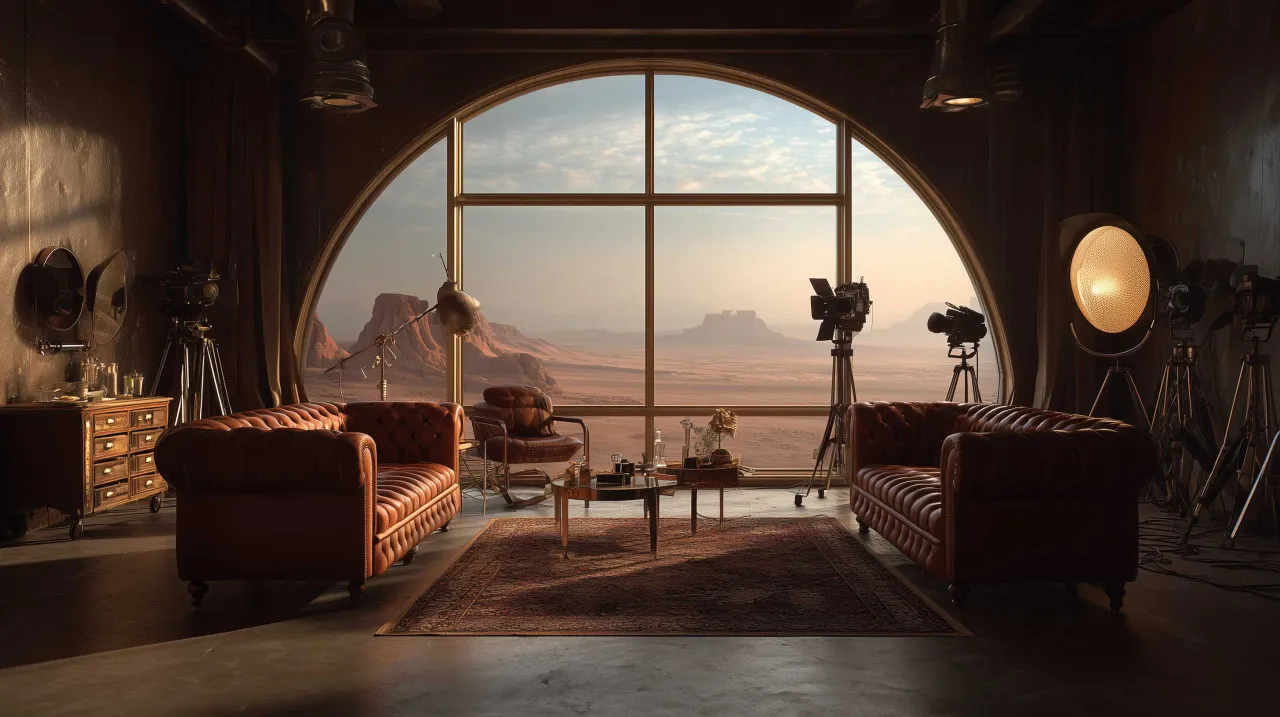
16:9YouTube in the living room
Aligned to the same goal
In the bottom right corner the skip button appears after 5 seconds, in the bottom left the ad label, the time, the link and the CTA button, in the top left the advertiser's name, and along the bottom the progress bar. We put neither text nor logo there, because the viewer cannot see it.
The brand, the key message and the caption stay within the central 1728 × 972 pixels, the same graphic safe area we use for TV commercials. That way the same cut is readable on a phone, a laptop and a TV.
According to Nielsen's May measurement, published on 28 July 2026, 13.8 percent of US TV viewing time was spent on YouTube, the largest share of any provider. According to Alphabet's report for the second quarter of 2026, YouTube's advertising revenue was 11.1 billion dollars, 13 percent more than a year earlier.
That is why we do not cut YouTube ads for phones only: the version that runs on the TV screen is made in landscape, with clean sound and large-type captions, because it is watched from across the living room.
We plan the film together with the Google Ads campaign: targeting, bidding and tracking are aligned to the same goal as the script. If the goal is reach, a bumper and a non-skippable cut run priced per thousand impressions; if the goal is leads, a skippable and a Shorts ad, optimised for conversions.
We send the conversion back to Google with server-side tracking, so the campaign optimises for real leads, not clicks. Details: Google Ads management and server-side conversion tracking.
Commercials, TV spots, brand films, employer branding videos and music videos in one place. Use the filter to browse the categories separately.
Producing the film is a one-off cost; the placement is a separate media spend that you set in Google Ads. We quote for production based on the brief, and campaign management is a monthly fee. The boxes below show what belongs to each.
 Oloren Hub
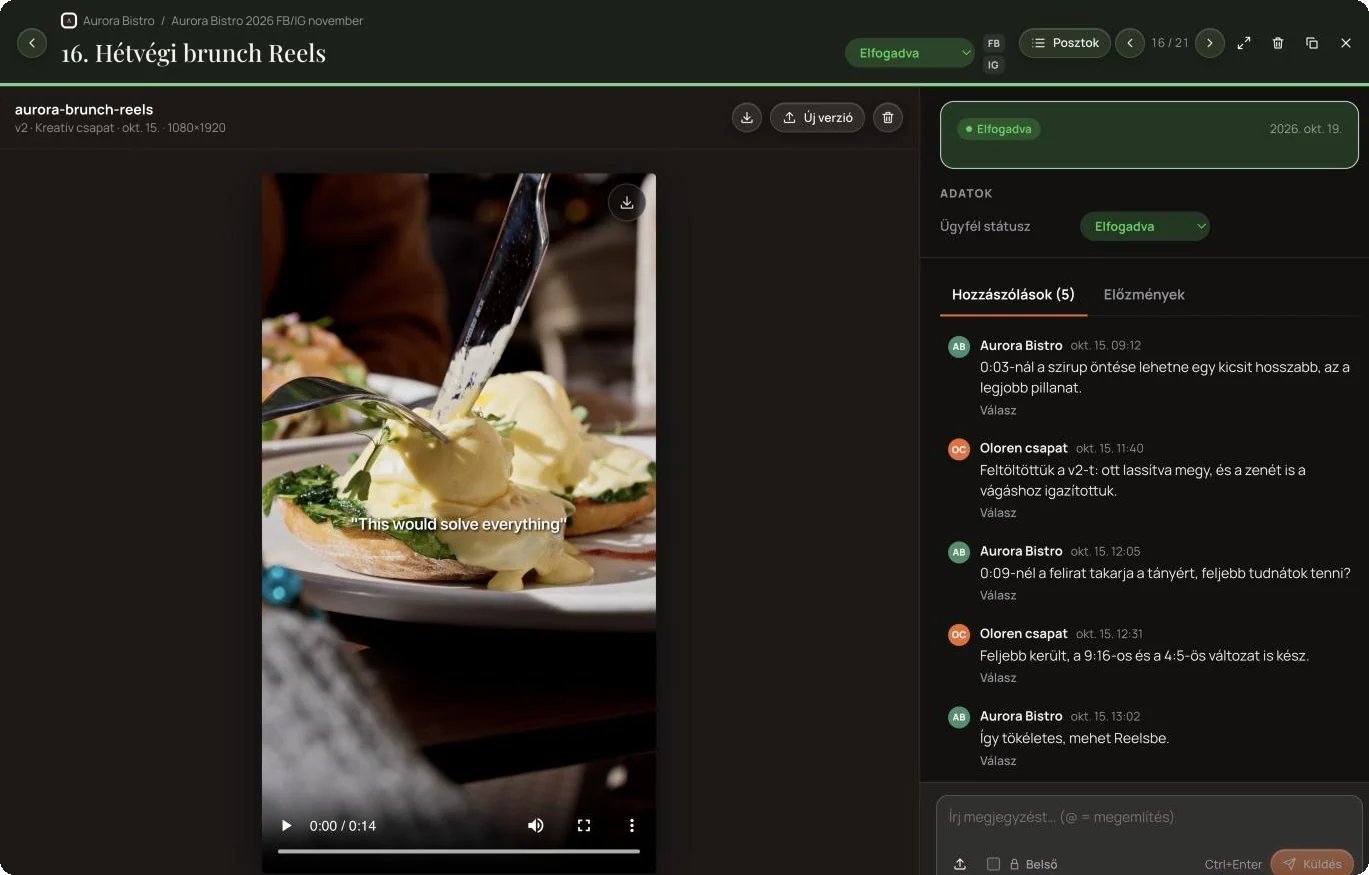
You watch the edit in Oloren Hub, right next to the post. Write down at which second you would change what, we upload the new version, and the conversation, versions and approval stay in one place until the video goes live.
Every shot is recorded to two memory cards at once, and on the day of the shoot it exists in three copies, two of them in separate buildings. Fire, water or any other damage cannot take the footage.
We work with our own equipment: Sony FX3 and A7 IV cameras, Zeiss lenses, broadcast grade sound and light. Editing and grading happen in our own studio on 10 and 12 bit monitors calibrated every year.
Tell us what you want to advertise, to whom and with what goal (reach or leads), and we will get back to you with a quote. Work starts once we have an agreement.
We built this software and use it every day ourselves.
 Built by Oloren
Cookie consent with Google Consent Mode v2: the banner asks for consent per service, passes the decision to Google, Meta, Microsoft, TikTok and Amazon, and logs every decision.
 Free checker
Free Google Consent Mode v2 checker: in 30 seconds it shows whether your website tells Google about your visitors’ consent.
 Free checker
Free cookie checker: in 30 seconds it shows which cookies land on a visitor’s device before they consent.
Our own project hub where clients follow and approve the work: post copy, photos and videos in one place, and approved posts go live on Facebook and Instagram from here.
Tell us how we can help and we will get back to you within one working day.
A service, reference, article, film or software