booking
Service, specialist, location, time slot, details, with as few clicks as possible.
Every step can be completed one-handed on mobile too.
Tell us how many locations and how many specialists you work with. We send you a quote, and planning starts once we have an agreement.
The booking happens where the customer made the decision: on your own website, tracked back to the ad.
Fewer steps, full tracking
External booking page
Own booking system
Because every redirect is another step where the visitor can change their mind. And because on an external booking page the tracking is lost too: the ad does not see who booked, so it cannot optimise for bookers.
Your own booking system is part of the website, in your branding, with your data.
The booking as a conversion
If the ad optimises for clicks, you get plenty of clicks. If it optimises for bookings, you get bookings. That is why we track the successful booking as its own event and send it back server-side to Google Ads and Meta.
The booking also lands on the client's or patient's record, so the CRM shows which ad it came from.
We set it up by your rules, in your branding, as part of your website.
Service, specialist, location, time slot, details, with as few clicks as possible.
Every step can be completed one-handed on mobile too.
Real-time calendar, with different durations and breaks per service.
Only what can really be booked is shown.
Email and SMS reminders, cancellation and rescheduling from the customer's side too.
Fewer no-shows, fewer phone calls at reception.
Multiple locations, multiple specialists, different opening hours.
Every location with its own calendar, managed in one system, on one interface.
The booking system's events that we send to analytics and to the advertising platforms.
| Event | When it fires | Where it goes |
|---|---|---|
| booking_start | booking started | GA4 |
| booking_complete | successful booking | GA4 key event, Google Ads, Meta |
| booking_cancel | cancellation | GA4, CRM |
Booking on the customer record
| Customer record | |
|---|---|
| Name | Anna Sample |
| Source | Google Ads, campaign: spring |
| Booking | Thu 14:00, Dr. Sample |
| Previous | 3 bookings |
| Status | showed up |
The booking lands on the patient's or client's record, together with previous bookings and the source. Reception sees in one place who is coming, when, and where they came from.
Details on the CRM development page.
The tracking chain
We build the tracking into the website's own code: the dataLayer signals when something has happened, the browser-side GTM collects it, and the server-side GTM running on your own subdomain forwards it to GA4, Google Ads, the Meta Conversions API and the TikTok Events API. Consent is handled according to Consent Mode v2.
Details on the website analytics and server-side conversion tracking pages.
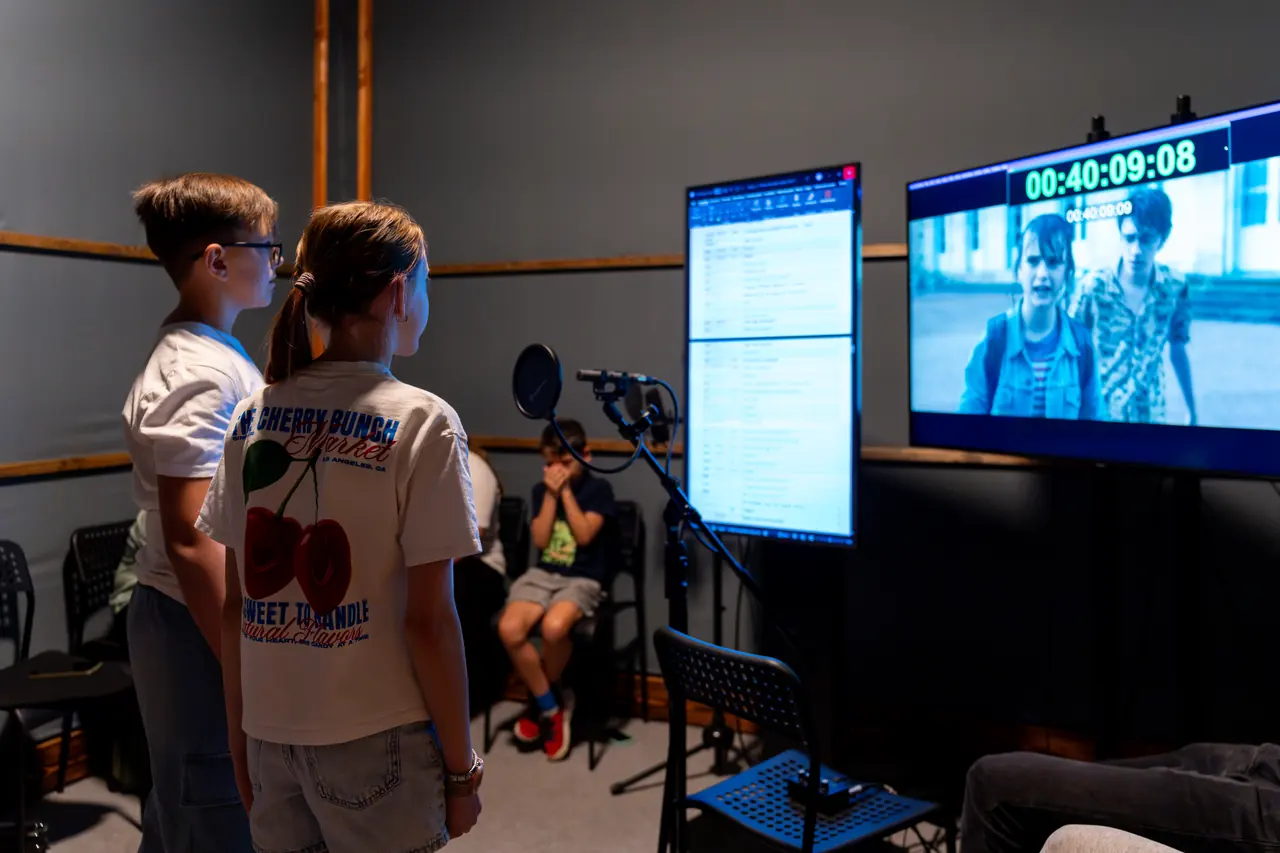
For Budapest Audio we built a website, a booking system and a CRM, and we produce content for their social media.
Read more →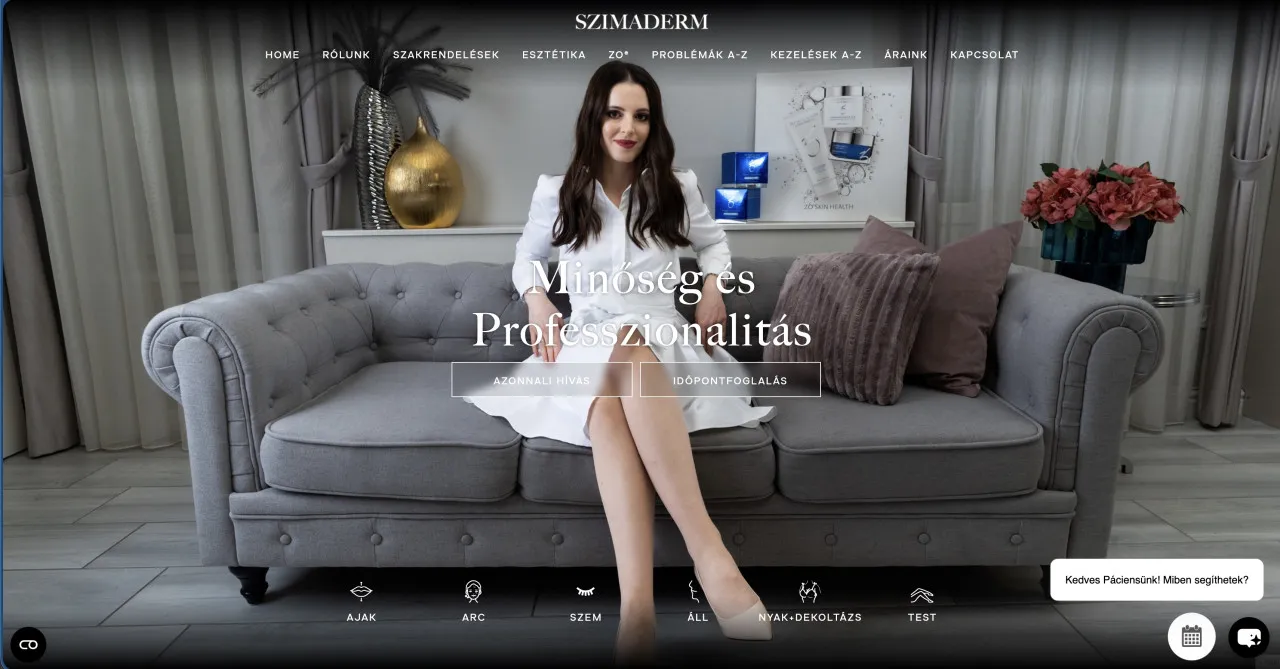
For Szimaderm, we provided full-service marketing: PPC, copywriting, content creation, communication and management in one hand, with a strategic app…
Read more →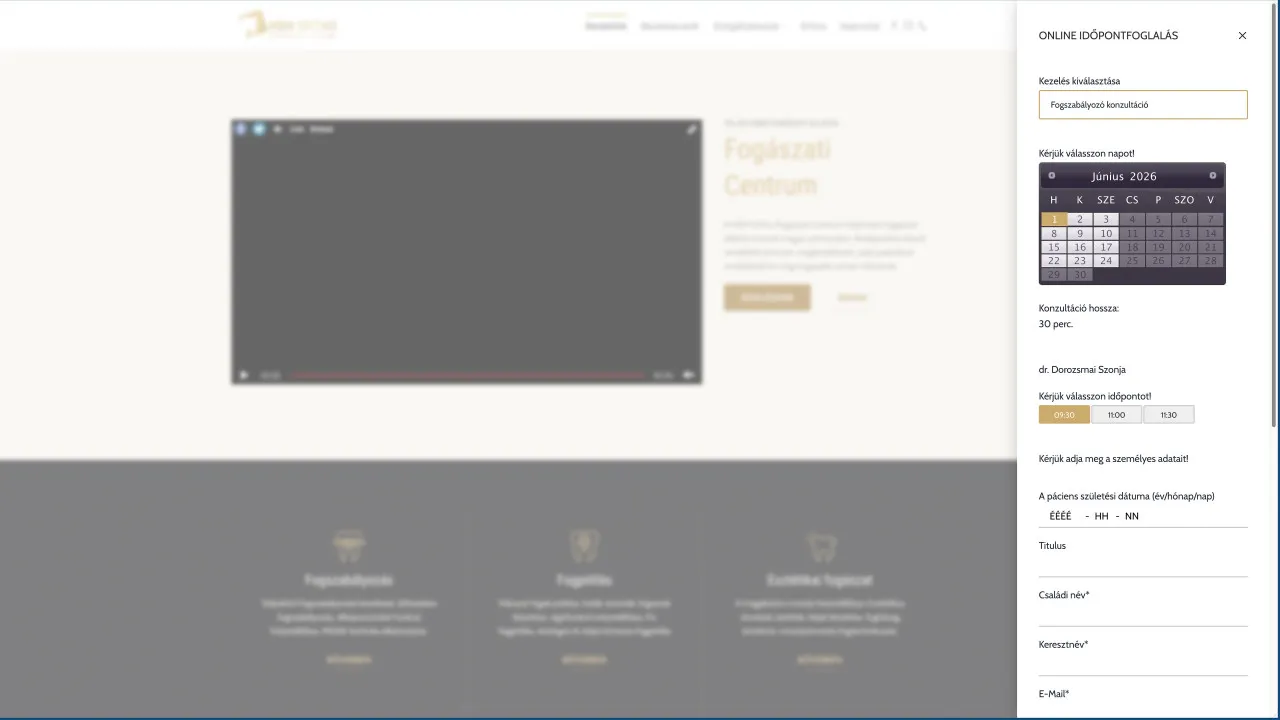
For HDH Ortho, we delivered appointment booking system and content creation solutions to support a consistent digital brand presence.
Read more →
For Diagnost, we provided full-service marketing: PPC, copywriting, content creation, communication and management in one hand, with a strategic appr…
Read more →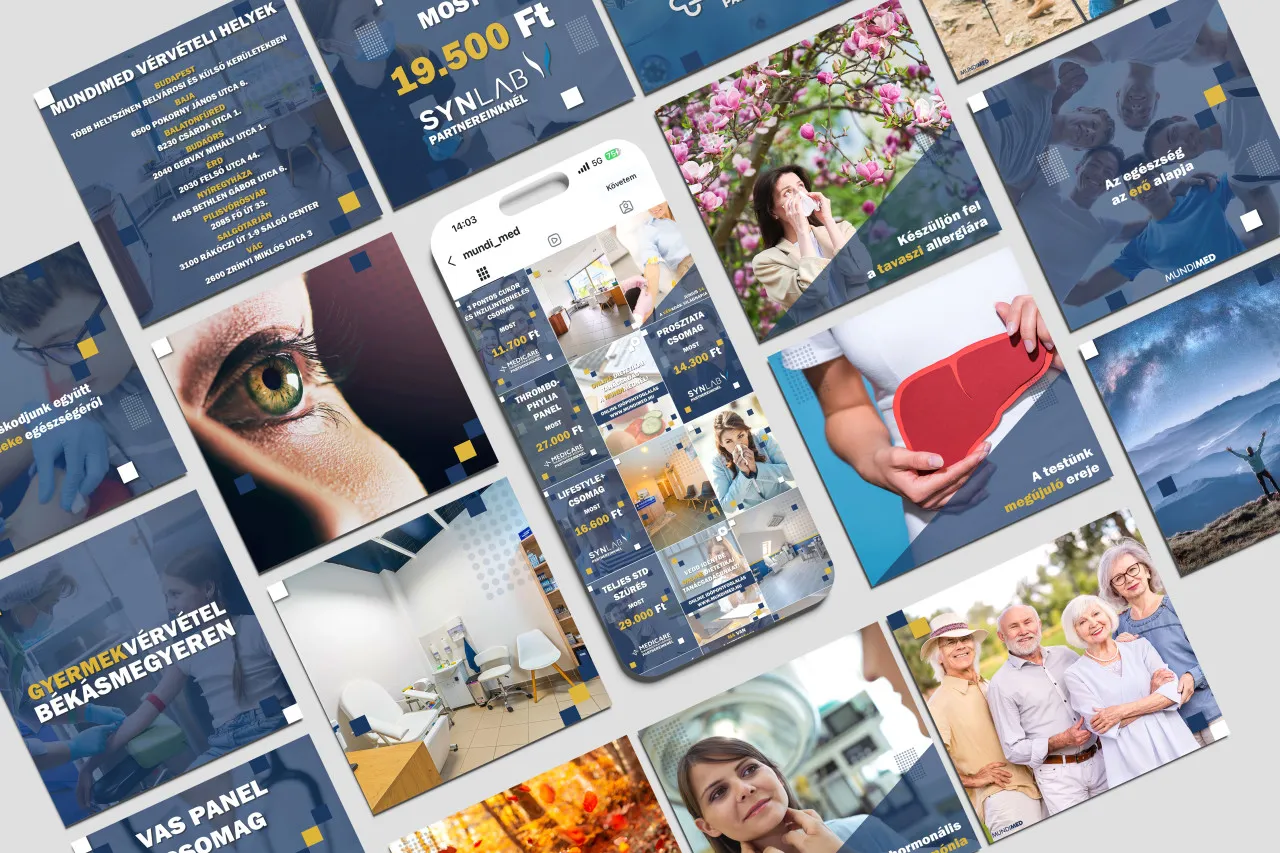
For Mundimed, we provided full-service marketing: PPC, copywriting, content creation, communication and management in one hand, with a strategic appr…
Read more →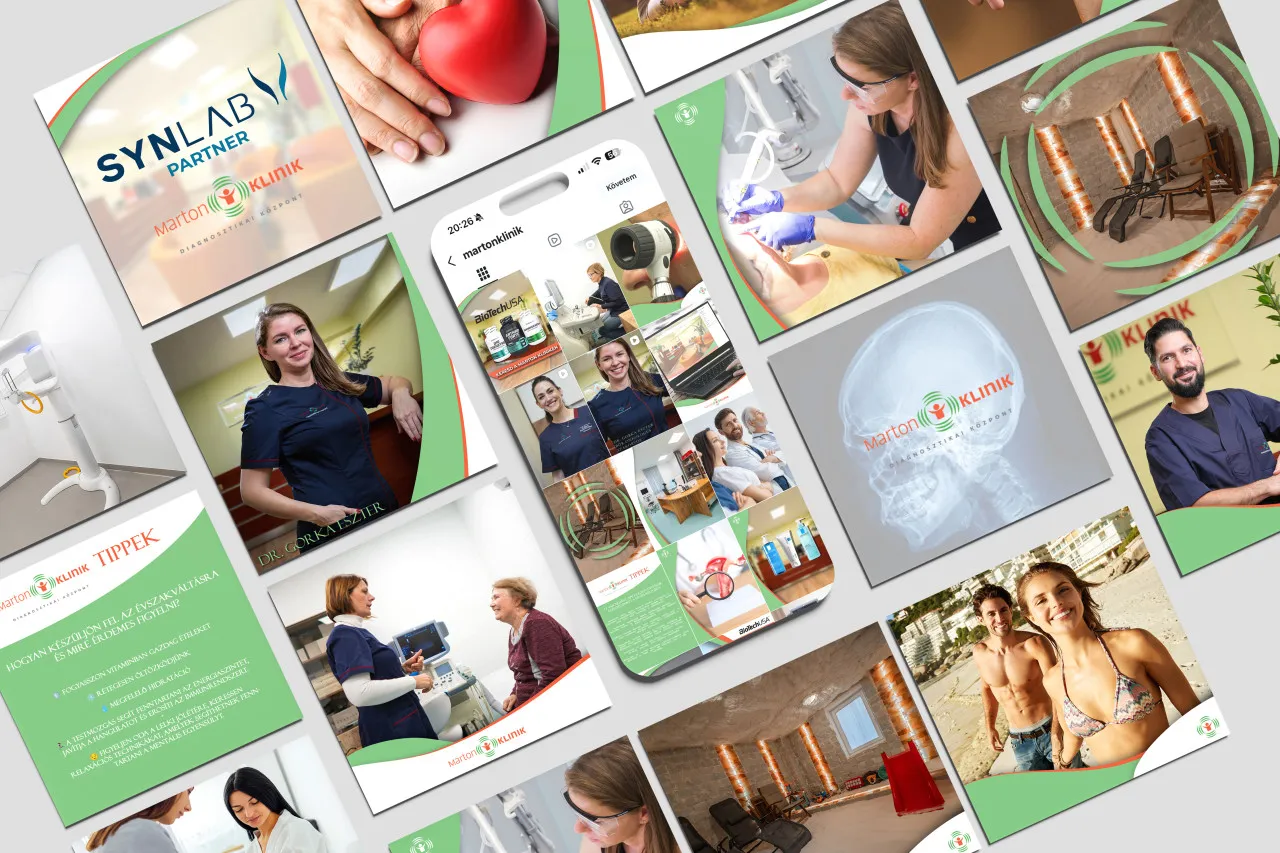
For Marton Klinik, we provided full-service marketing: PPC, copywriting, content creation, communication and management in one hand, with a strategic…
Read more →The price of a booking system depends on the number of locations, specialists and services, and on the CRM connection. After a needs assessment we give you an exact quote. The boxes below show what the two most common setups include.
Tell us how many locations and specialists you have and which services get booked, and we come back to you with a quote. Work starts once we have an agreement.
We built this software and use it every day ourselves.
 Built by Oloren
Cookie consent with Google Consent Mode v2: the banner asks for consent per service, passes the decision to Google, Meta, Microsoft, TikTok and Amazon, and logs every decision.
 Free checker
Free Google Consent Mode v2 checker: in 30 seconds it shows whether your website tells Google about your visitors’ consent.
 Free checker
Free cookie checker: in 30 seconds it shows which cookies land on a visitor’s device before they consent.
Our own project hub where clients follow and approve the work: post copy, photos and videos in one place, and approved posts go live on Facebook and Instagram from here.
Tell us how we can help and we will get back to you within one working day.
A service, reference, article, film or software